Introduction: Why Reporting Needs a Rethink in 2025
As campaigns become more complex across SEO, Google Ads, Meta Ads and content marketing, Singapore marketers are struggling with fragmented data. Traditional reporting methods: spreadsheets, manual exports, static PDF reports — are increasingly slow and disconnected.
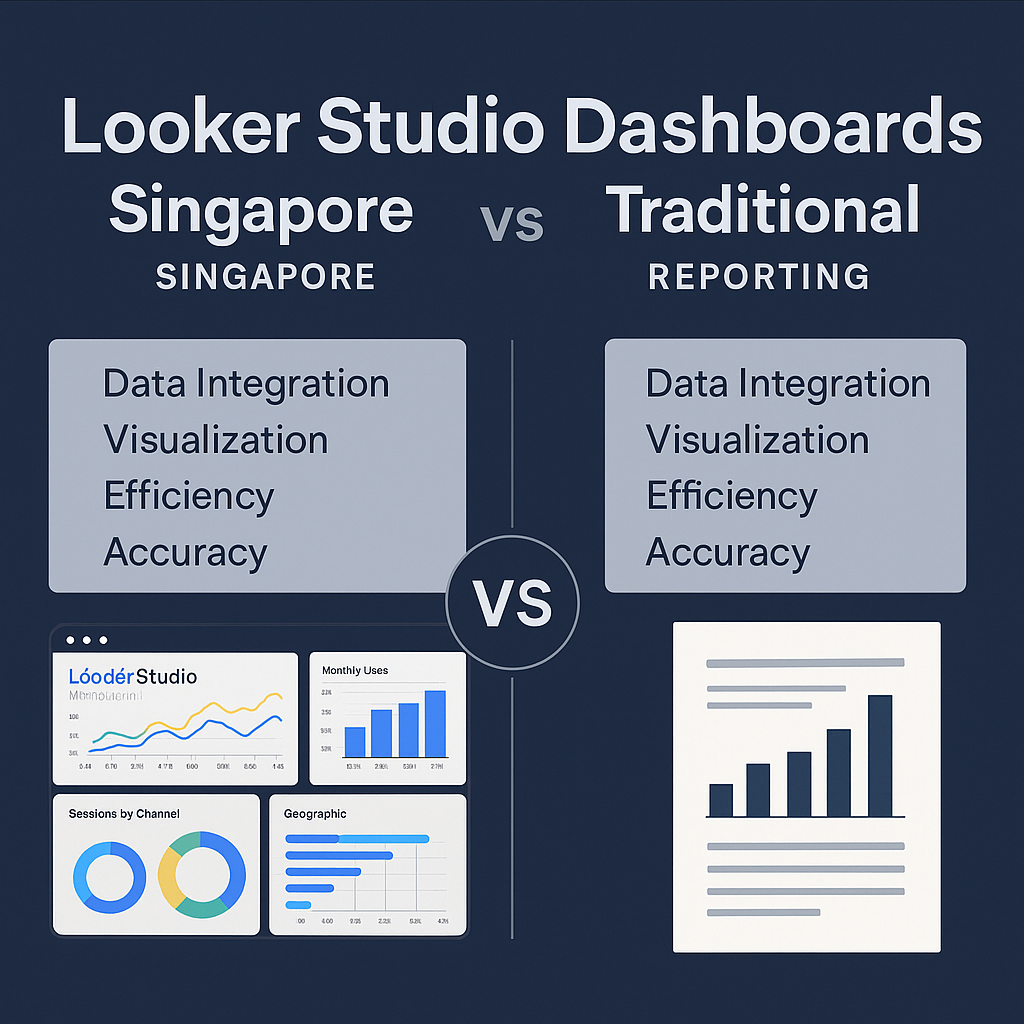
This is why many teams are upgrading to Looker Studio dashboards Singapore, hoping to centralise data and automate insights. But is Looker Studio truly better than traditional reporting? This comparison breaks down the differences so marketers can decide which delivers faster, clearer, and more actionable results.
Looker Studio vs Traditional Reporting: Key Differences
1. Data Integration
Looker Studio: Unified. Traditional Reporting: Fragmented.
Traditional reporting relies heavily on manual CSV exports from Google Ads, GA4, Meta Ads, and CRM tools. This takes time and often leads to outdated insights.
Looker Studio, however, connects all data sources into one real-time dashboard, a major advantage for marketers managing multiple channels. This integrates well with strategic measurement approaches often described in guides like the insights on Google Ads management for Singapore businesses.
| Feature | Looker Studio | Traditional Reporting |
|---|---|---|
| Data updates | Real-time | Manual |
| Multi-channel visibility | Strong | Weak |
| Error risk | Low | High |
2. Visualisation & Insights
Looker Studio: Dynamic. Traditional: Static.
Traditional reporting uses spreadsheets, static charts, and manually built visuals. These lack interactivity and context.
Looker Studio dashboards allow drill-downs, filters, segments, and trend analysis. Marketers can explore performance by channel, device, campaign, or keyword in moments.
This dynamic approach supports modern content-driven strategies such as those explained in the framework for website design that drives lead generation.
| Visual Experience | Looker Studio | Traditional Reporting |
|---|---|---|
| Interactive filters | Yes | No |
| Custom visual themes | Yes | Limited |
| Storytelling | Strong | Moderate |
3. Speed & Efficiency
Looker Studio: Automated. Traditional: Time-Consuming.
Traditional reports often require:
- pulling data from multiple dashboards
- building charts manually
- copy-pasting into slides
- checking formulas for errors
Looker Studio automates 90% of these steps, enabling teams to focus on interpreting data rather than collecting it.
This efficiency matches the modern SEO workflows seen in advanced analytics approaches such as Local SEO strategies for Singapore businesses.
| Efficiency Metric | Looker Studio | Traditional Reporting |
|---|---|---|
| Setup time | Low | High |
| Ongoing updates | Automatic | Manual |
| Monthly reporting time | 10–20 mins | 2–6 hours |
4. Accuracy & Error Prevention
Looker Studio: Reliable. Traditional: Prone to Mistakes.
Human error increases significantly when reports rely on manual formulas and data entry.
Looker Studio eliminates most of these risks because calculations pull directly from the source: GA4, Google Ads, Meta Ads, YouTube, and CRM data.
| Factor | Looker Studio | Traditional Reporting |
|---|---|---|
| Formula risk | None | High |
| Data mismatch | Low | Common |
| Version confusion | None | Frequent |
5. Who Each Method Is Best For
Looker Studio Works Best For:
✔ Agencies managing multiple clients
✔ SMEs handling cross-channel reporting
✔ E-commerce brands tracking ROAS
✔ Teams who want automated dashboards
Traditional Reporting Works Best For:
✔ Small operations with simple data
✔ Businesses without multi-channel campaigns
✔ Teams who prefer manual control
Conclusion
Looker Studio is not just a reporting upgrade, it is a transformation in how Singapore marketers view and act on campaign performance. For businesses aiming to scale, automate, and understand their data in real time, Looker Studio dashboards Singapore offer capabilities far beyond what traditional spreadsheets and PDF reporting can deliver.
If you want help building a custom reporting system that integrates SEO, web analytics, and paid ads performance into a single dashboard,
👉 Contact GOSG Consulting
and streamline your entire analytics workflow.
Leave a Reply